Delta Emulator
App Information
Screenshots



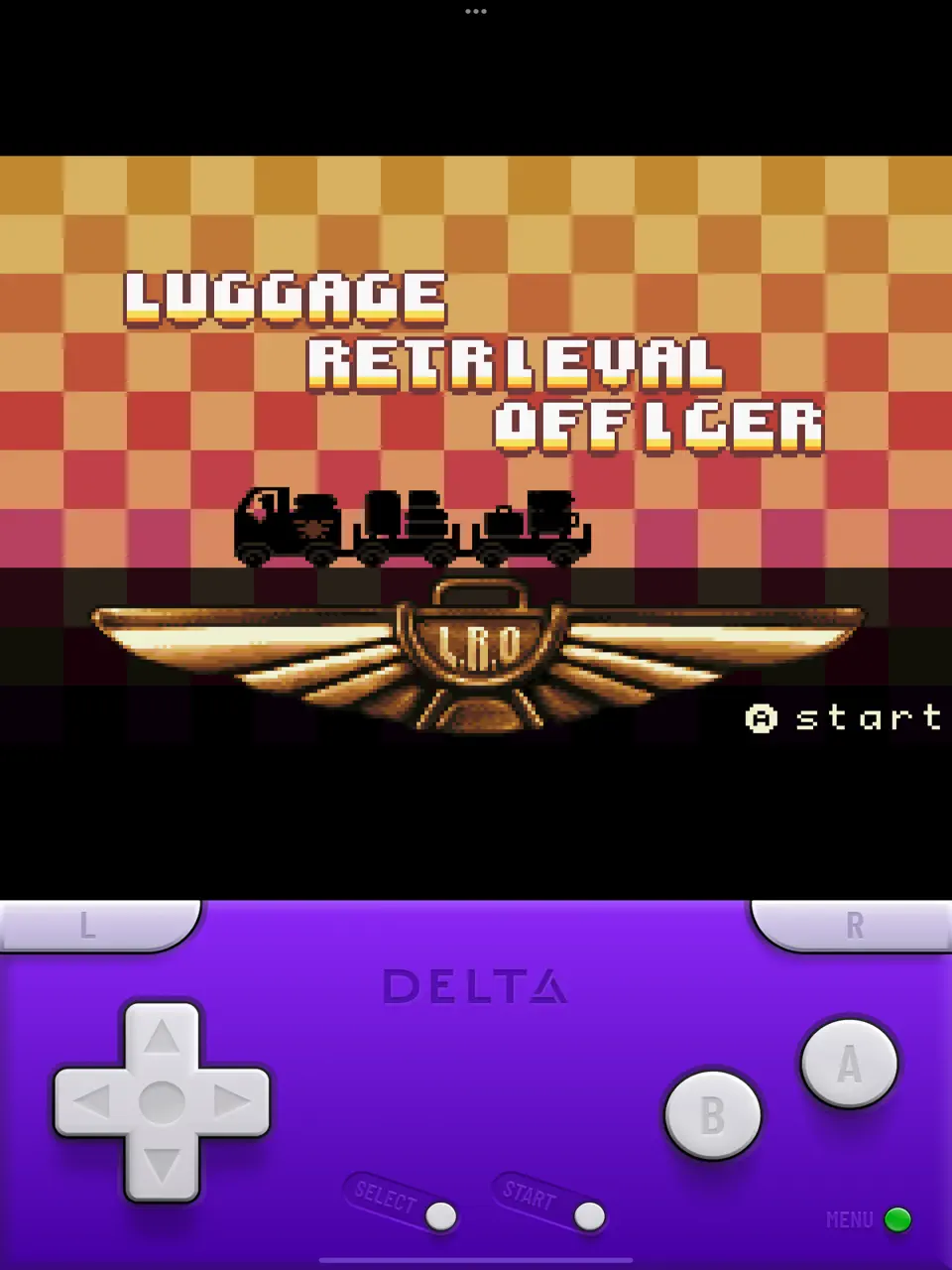
About This App
Delta Emulator iOS iPA
Want to Play Classic Nintendo Games on your iOS iPhone or iPad device without any restrictions. Then Download Delta Emulator iPA – a free, all-in-one video game console emulator developed by Riley Testut for iOS and iPadOS devices, serving as the official successor to the legendary GBA4iOS. This powerful application supports seven major Nintendo console systems including NES, SNES, Nintendo 64, Game Boy, Game Boy Color, Game Boy Advance, and Nintendo DS using industry-standard cores like Snes9x, Mupen64Plus, and MelonDS and allows users to play classic Nintendo games directly on their iPhone or iPad devices.
Delta Emulator is the Most Popular and High-end Gaming Emulator tool designed especially for iOS devices. Where the top-most iOS app developers like Riley Testut and the AltStore team were involved and worked on this emulator app project.
Delta is a simple All-in-One Gaming Emulator for iOS devices that supports multiple gaming consoles including Nintendo DS, Game Boy Advance, Game Boy Color, Super Nintendo Entertainment System (SNES), and Nintendo Entertainment System (NES).
Also, This is the first Multi-System emulator support application that supports most generations of Nintendo gaming consoles and brings thousands of classic games to your iPhone and iPad devices with enhanced graphics and smooth gameplay.
When compared to the other Gaming Emulators such as GBA4iOS, Happy Chick, iNDS, Delta Emulator is a feature-rich Gaming Emulator. This emulator offers advanced features which means you can play your favorite childhood games with enhanced graphics, save states, fast-forward gameplay, and controller support. Additionally, it supports ROM files and allows users to import their game collections easily that too within few clicks.
Key Features & MOD Features
-
Multi-System Support – Emulate 7 Nintendo consoles in one app (NES, SNES, N64, GB, GBC, GBA, DS).
-
iCloud Sync – Automatically sync save states and game progress across all Apple devices.
-
Save States & Cheat Codes – Create unlimited save points and activate classic game cheats.
-
Controller Support – Full compatibility with MFi controllers, Xbox, and PlayStation controllers.
-
Custom Skins – Personalize on-screen buttons with customizable themes and layouts.
-
No Jailbreak Required – Official App Store distribution with legitimate installation.
-
Universal Device Support – Optimized for iPhone, iPad, and iPod Touch.
-
Fast Forward Mode – Speed up gameplay for grinding or tedious sections.
-
Zero Ads & Privacy-First – Completely ad-free experience with no data collection.
-
ROM Import Options – Multiple methods including iTunes, cloud storage (Google Drive, Dropbox), and direct file imports.
Delta Emulator iOS iPA App Features:
Supported Game Systems
- Nintendo Entertainment System.
- Super Nintendo Entertainment System.
- Nintendo 64.
- Game Boy (Color).
- Game Boy Advance.
- Nintendo DS.
- And plenty more to come!.
Online Multiplayer
- Play online-compatible Nintendo DS games with friends around the world!.
- Connect via community Nintendo WFC servers.
- Choose one of the default servers, or provide a custom DNS.
Controller Support
- Nintendo Switch Pro controllers, Joy-Cons.
- Nintendo Switch Online controllers (NES, SNES, N64).
- PS4, PS5.
- Xbox One S, Xbox Series X.
- MFi game controllers.
- Bluetooth & wired keyboards.
Save States
- Save and load save states for any game from the pause menu.
- Lock save states to prevent them from being accidentally overwritten.
- Automatically makes backup save states to ensure you never lose your progress.
- Support for “Quick Saves,” save states that can be quickly saved/loaded with a single button press (requires external controller).
Cheats
It Supports various types of cheat codes for each supported system:
- NES: Game Genie.
- SNES: Game Genie, Pro Action Replay.
- N64: GameShark.
- GBC: Game Genie, GameShark.
- GBA: Action Replay, Code Breaker, GameShark.
- DS: Action Replay.
Delta Sync
- Sync your games, game saves, save states, cheats, controller skins, and controller mappings between devices.
- View version histories of everything you sync and optionally restore them to earlier versions.
- Supports both Google Drive and Dropbox.
Custom Controller Skins
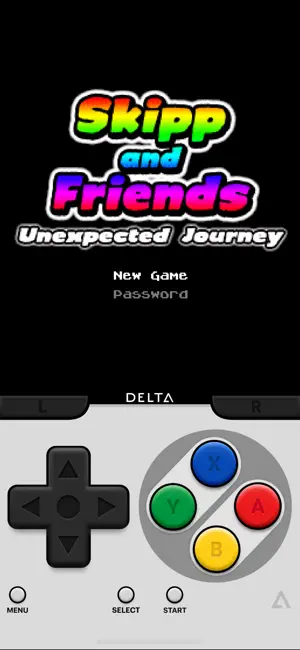
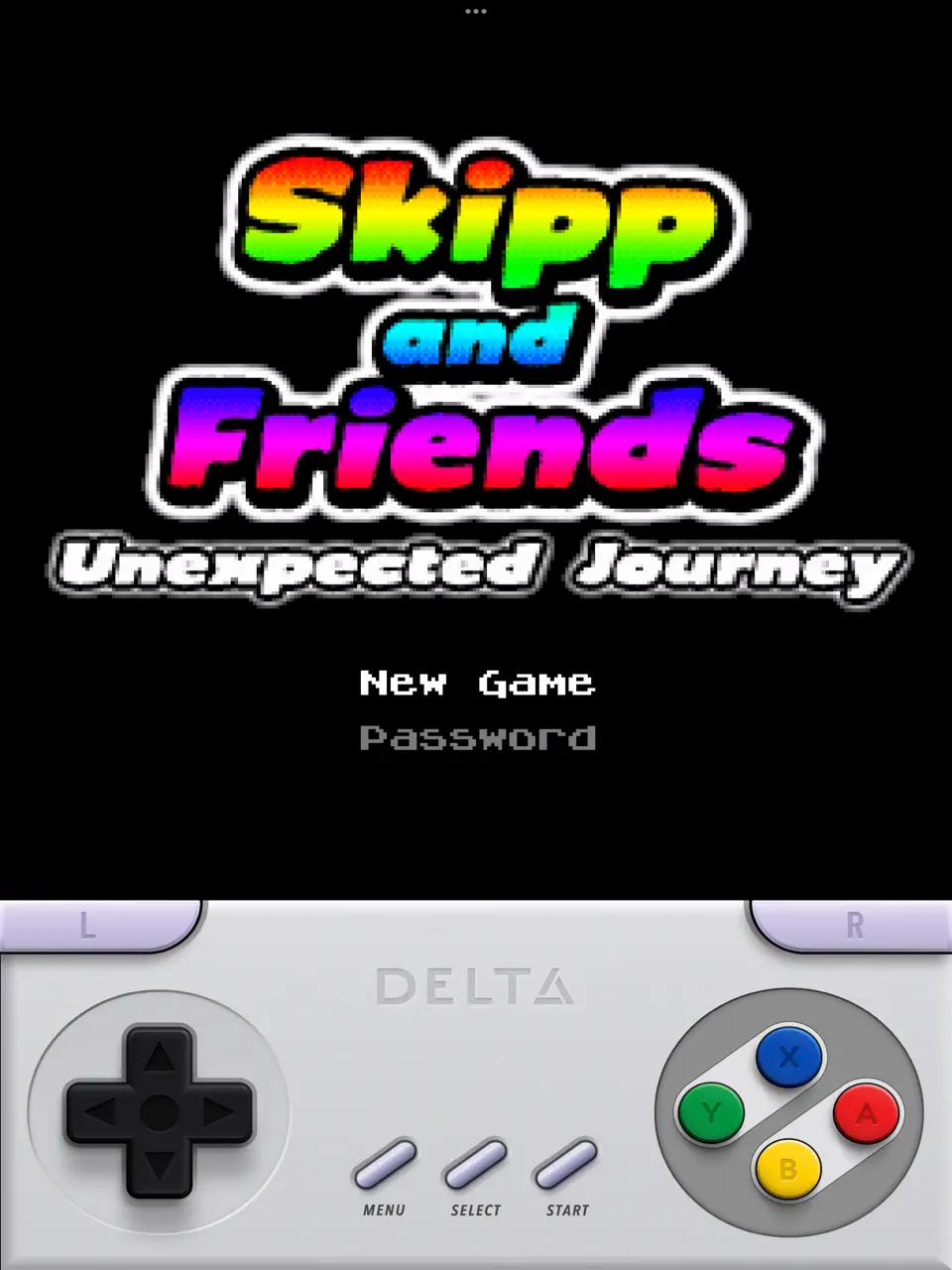
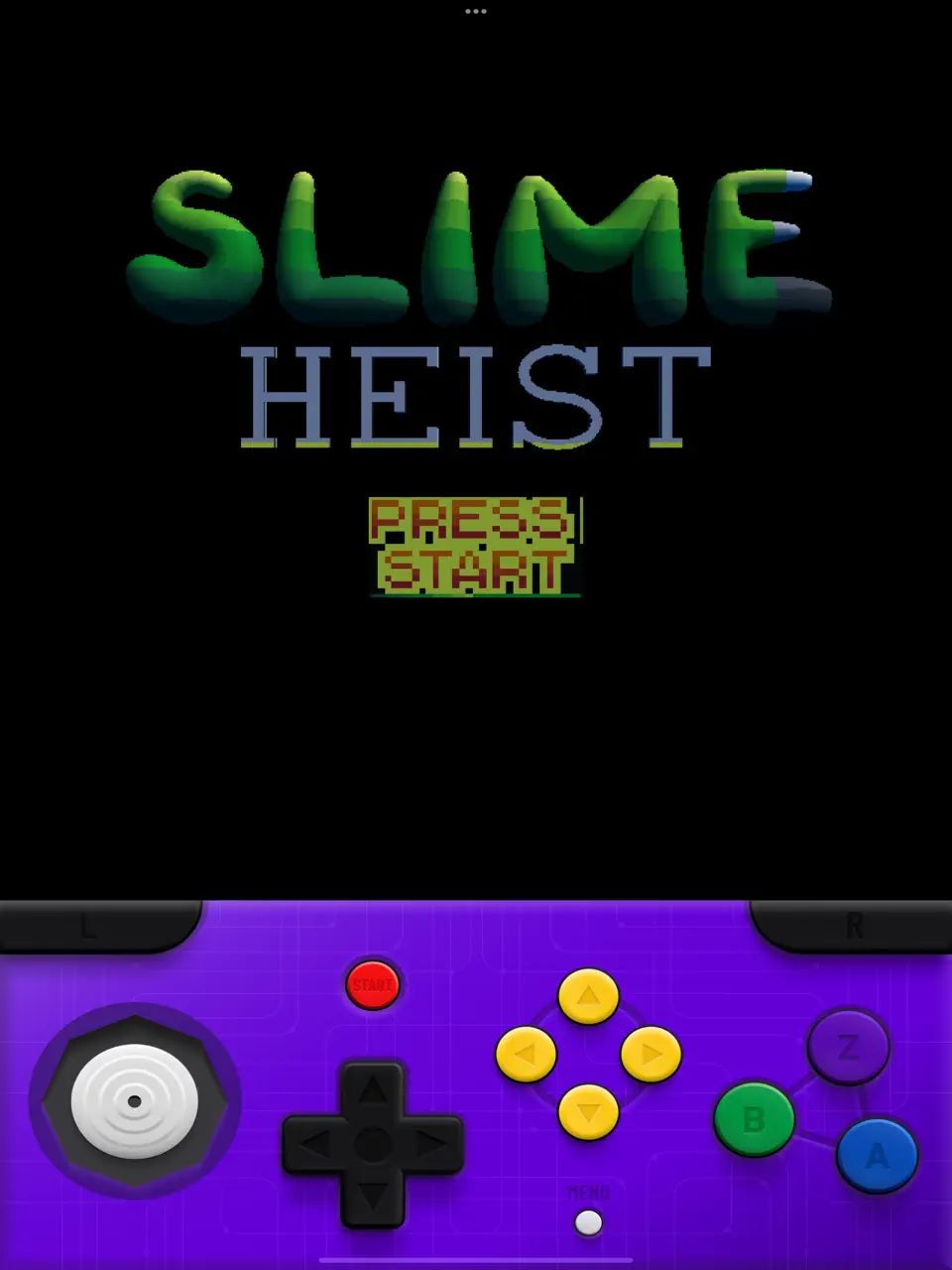
- Beautiful built-in controller skins for all systems.
- Import controller skins made by others, or even make your own to share with the world!.
Hold Button
- Choose buttons for Delta to hold down on your behalf, freeing up your thumbs to press other buttons instead.
- Perfect for games that typically require one button be held down constantly (e.g. run button in Mario games, or the A button in Mario Kart).
Fast Forward
- Speed through slower parts of games by running the game much faster than normal.
- Easily enable or disable from the pause menu, or optionally with a mapped button on an external controller.
3D/Haptic Touch
- Use 3D or Haptic Touch to “peek” at games, save states, and cheat codes.
- App icon shortcuts allow quick access to your most recently played games, or optionally customize the shortcuts to always include certain games.
Game Artwork
- Automatically displays appropriate box art for imported games.
- Change a game’s artwork to anything you want, or select from the built-in game artwork database.
Misc.
- Gyroscope support (WarioWare: Twisted! only).
- Microphone support (DS only).
- Support for delta:// URL scheme to jump directly into a specific game.
How to Install Delta Emulator from Official App Store Download
Step.1) Open the official Apple App Store app on your iPhone, iPad or iPod device.
Step.2) Now Tap on search icon and Search for the “Delta Game Emulator“.
Step.3) Choose the official Delta emulator app by Riley Testut.
Step.4) Tap on the GET button to install the Emulator App on your iOS device.
Step.5) Once installed, open the emulator app from your home screen.
Step.6) The app is ready to use – now you can add your favorite Nintendo game ROMs and start playing.
How to Install Delta GBA Game Emulator iPA on iPhone/iPad – AltStore
Step.1) At first, tap on the Delta Emulator App icon or tap on NES Emulator App Download button to get the emulator app on your iOS device.
Step.2) On the next screen, click on “Open option from that “iTunes” pop-up message box.
Step 3) Then tap on the install option from the installation pop-up window.
Step.4) That’s it, now the Emulator App will be downloaded and installed on your iOS device.
Step.5) Once the app is installed, you need to fix the Untrusted developer profile Error. You can fix the issue with the following steps.
Go to Settings >>> Navigate to General >>> Profile & Device Management >>> Find the Tweaked game, >>> tap on TRUST from the pop-up message.
Step.6) Now you will see a message like “Trust Rilet Testut developer certificate.” You can do that with the simple steps.
Step.7) Finally, launch the GameCube Wii emulator app and play your childhood games on iPhone or iPad for free.
How to Add Nintendo Gameboy Advance ROMs to Delta Emulator
Delta emulator doesn’t come with games pre-installed Game Roms, so you need to add ROM files separately to play your favorite classic games on your iOS device.
You can play Game Boy, Nintendo DS, and N64 games using the Emulator after adding ROM files. Here are the different ways to add ROMs to the emulator:
Method 1: Using Safari Browser
- Open the Safari browser and search for Nintendo console ROM files.
- Download your favorite game ROM file (.gba, .nds, .n64, .nes format) and save it on your iPhone or iPad device..
- Once the ROM file downloaded, simply tap on the ROM file and choose “Open in Delta” option from the sharing menu options.
- That’s it, Now the game will automatically load into Delta emulator Game library.
Method 2: Using Cloud Storage Sync
If you already have Delta ROMs stored in Dropbox, Google Drive, or any other cloud storage, you can enable syncing option on your iPhone or iPad that downloads ROMs, cheats, saves, and save states files automatically onto your iOS device.
- Open Delta emulator and navigate to device Settings.
- Now, Enable cloud sync option.
- Upload ROM files to your cloud storage from computer.
- ROMs will automatically appear in emulator.
Delta Emulator Custom Controller Skins
You can find lots of custom controller skins on websites like Skins4Delta, Delta Skins and Lit Skins.
These custom skins let you personalize your gaming experience and make controls more comfortable. This emulator supports easy installation of custom skins through the app settings.
Thanks’ for visiting iPA Apps
Delta Emulator iPA Download
| Type | Size | Action |
|---|---|---|
| iPA | 221 MB |